|
|
 |
Basketball Scoreboard Dual v2
Looking for the discontinued version of Basketball Scoreboard Dual v1?
|
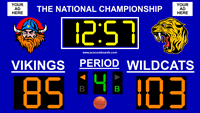
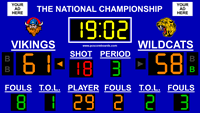
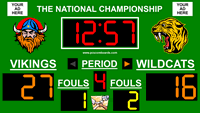
Our dual court basketball scoreboard software transforms your computer into a virtual basketball scoreboard using the computer and display you already have.
Our scoreboard download is great for scorekeeping two basketball games at once in gyms, arenas, or multipurpose facilities where two games are running simultaneously with the same clock, such as Upward games.
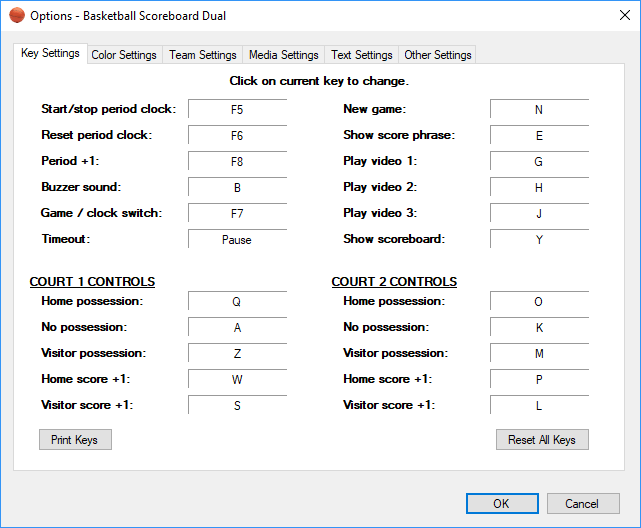
Basketball Scoreboard Dual features a simple to use mouse and keyboard interface, allowing for easy control of all functions of the computer scoreboard.
Basketball Scoreboard Dual is an inexpensive and portable alternative to costly physical scoreboards.
Using our software scoreboards offers the flexibility to switch between different sports using the same hardware, which fixed scoreboards cannot match.
Our Basketball Scoreboard Dual software is shareware, so you can try our scoreboard download for FREE before purchasing.
PC Scoreboards provides a better scoring solution than online scoreboards.
|
|
 |
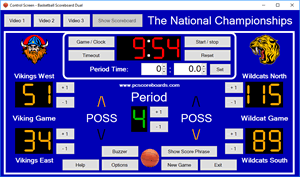
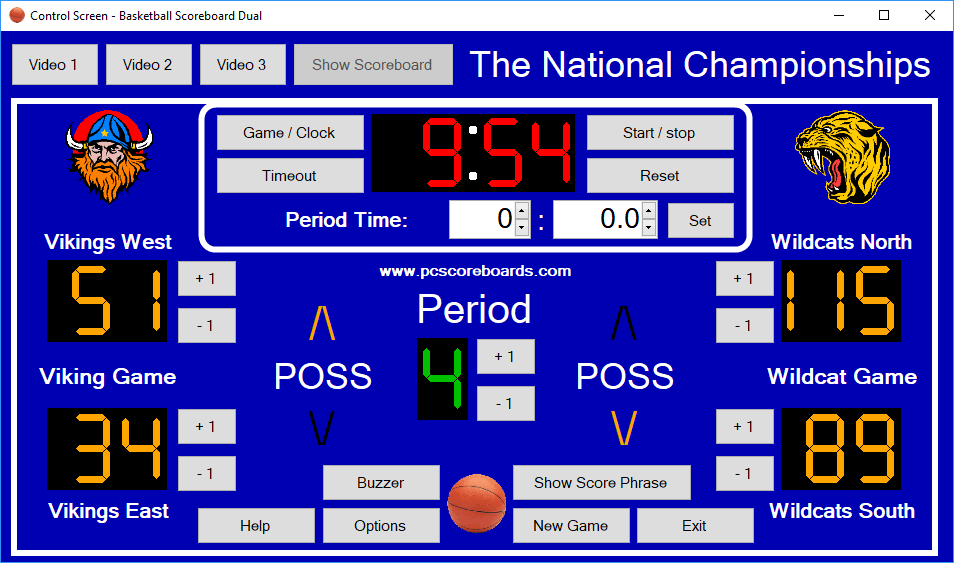
(Control Screen) |
|
Features:
|
|
Includes:
|
- Easily accessible full screen mode.
- Secondary control screen.
- Click and type or tab and type interface for easy control.
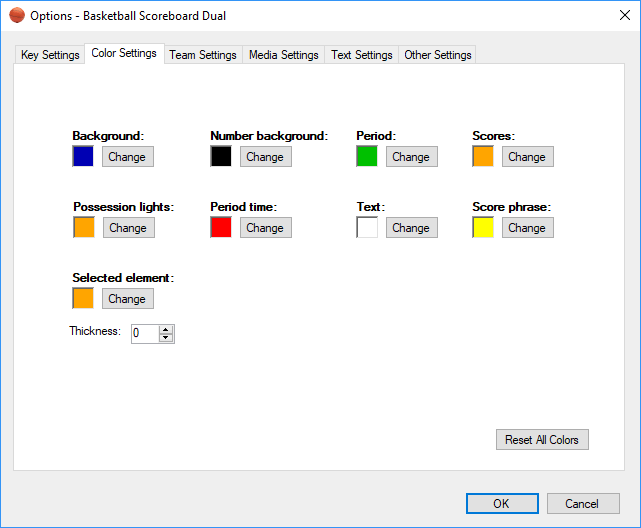
- Fully customizable scoreboard colors
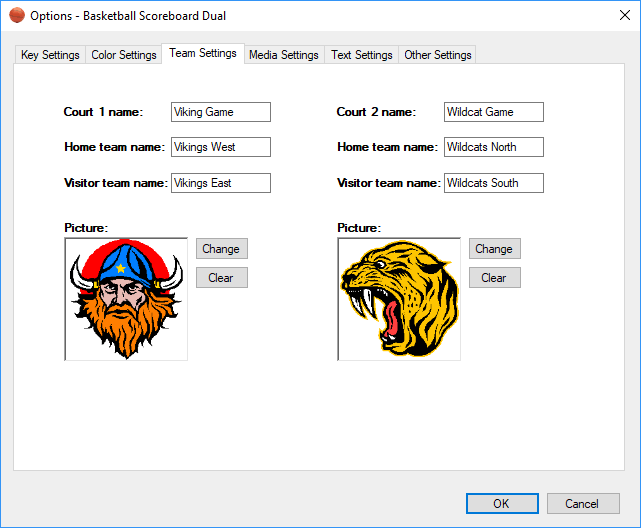
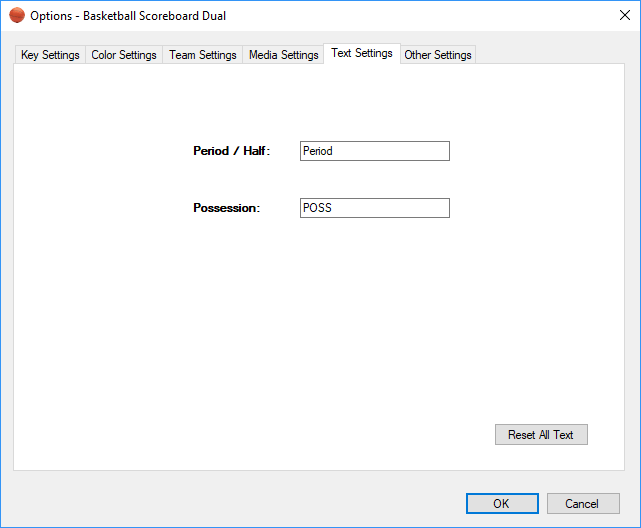
- Customizable court and scoreboard pictures
- Customizable court and team names
- Clock shows and can be set to tenths of a second
- High visibility LED digits
- Clean and simple design allows for easy reading by spectators
- Fits most monitors by adjusting to different display resolutions.
- Portable USB key allows you to quickly and easily move license between computers.
|
|
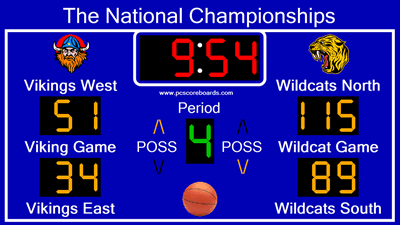
- Single game clock
- Timeout clock
- Scores for two courts
- Team names
- Court pictures
- Court names
- Current period
- Possession indicators for each court
- Scoreboard title
- Scoreboard picture
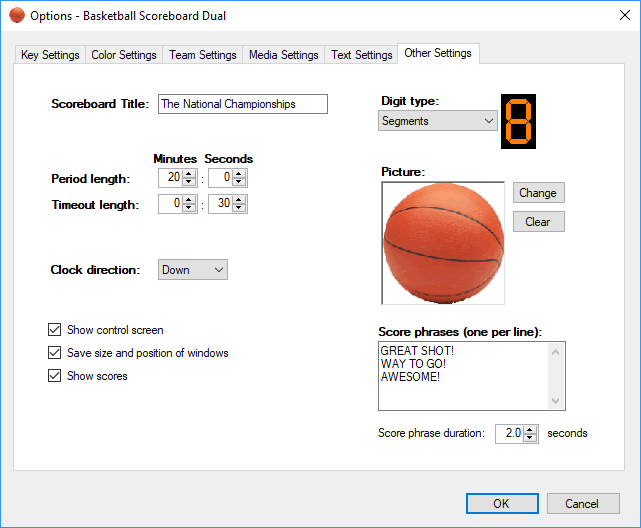
- Score phrases
- Video player
|
Score Phrases
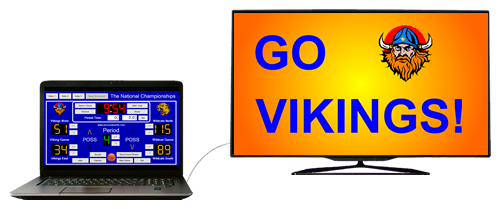
Score phrases allow you to display an encouraging phrase on the scoreboard at the push of a button.
Enter your own phrases in the scoreboard Options, then press a button to have the scoreboard randomly choose one of the entered phrases and display it to spectators.
|
|
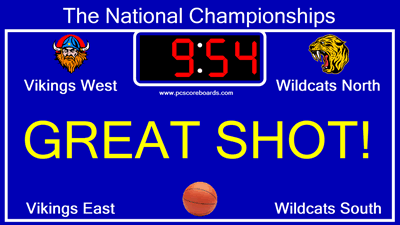
(Score Phrases) |
 |
|
Video Player
Play your own videos on the scoreboard during breaks in the game!
Video player is a feature that allows you to play your own videos on demand on the scoreboard.
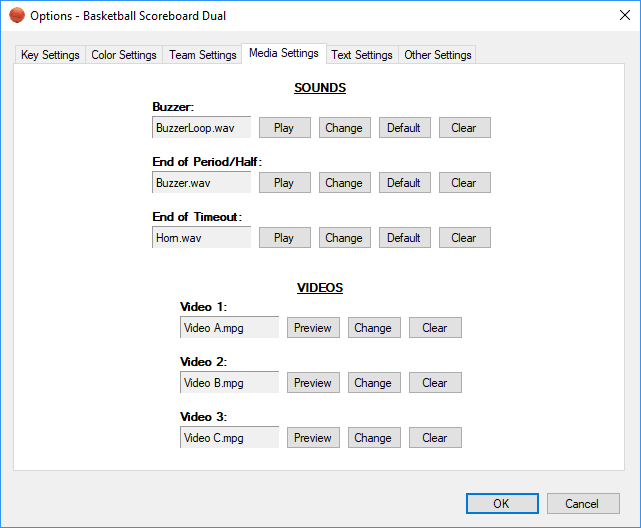
Use this feature to display your sponsor advertisements, player intros, half-time clips, and more.
Read more about video player.
|
| (Video Player) |
|
|







 +1 314 266-7210 (10am - 11pm Central US)
|
support@pcscoreboards.com
|
+1 314 266-7210 (10am - 11pm Central US)
|
support@pcscoreboards.com
|

 |
More Contact Options
|
More Contact Options