|
|
 |
Team Scoreboard v2
Looking for the discontinued version of Team Scoreboard v1?
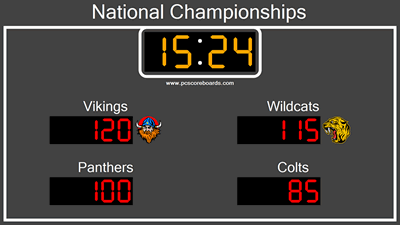
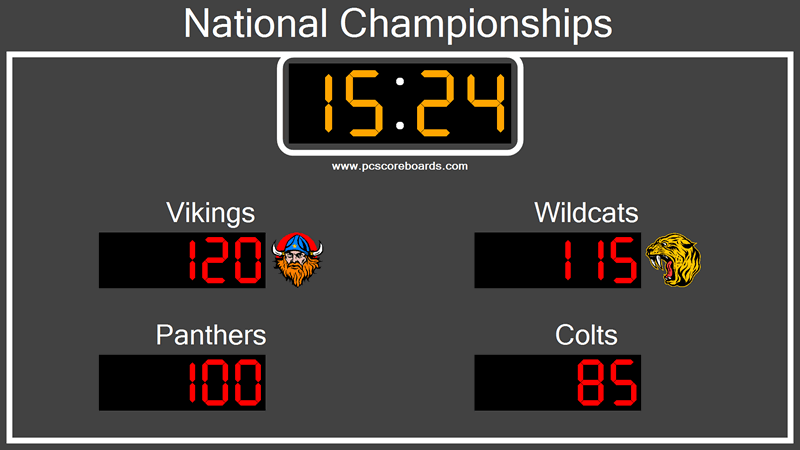
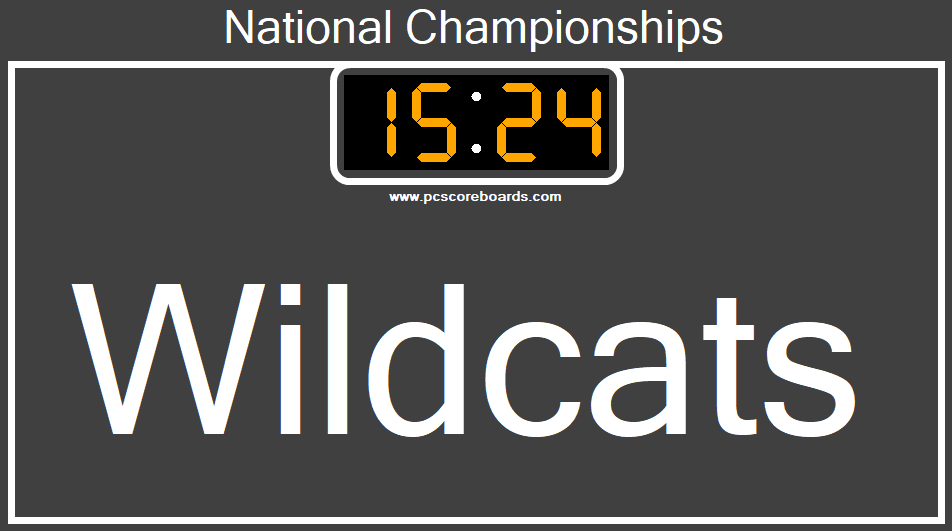
(Display Screen) |
|
Transform your TV + computer into a multi-team board!
Team Scorboard V2 is an easy to use, cost effective, and professional multi-team scoreboard that will get your players and spectators engaged in the game. Combine our team scoring software with your computer and projector/display for a complete game night or trivia game scorekeeping solution.
Benefits:
- Score 1 to 100+ teams
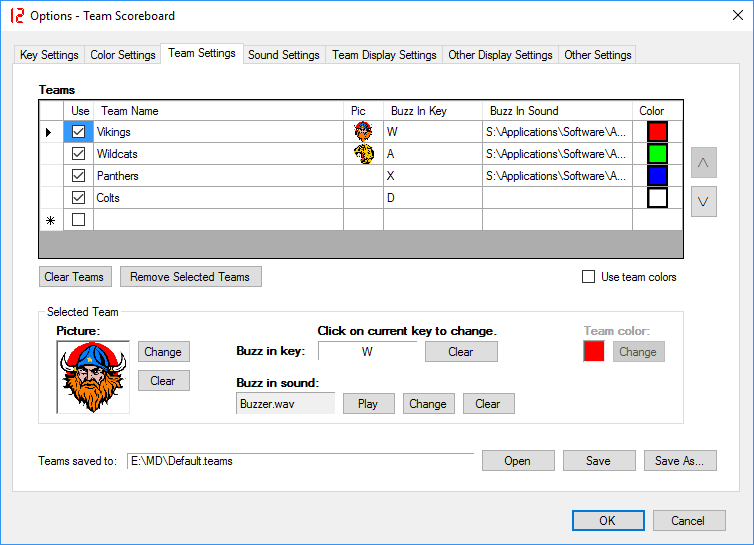
- Show each team's name & picture/logo
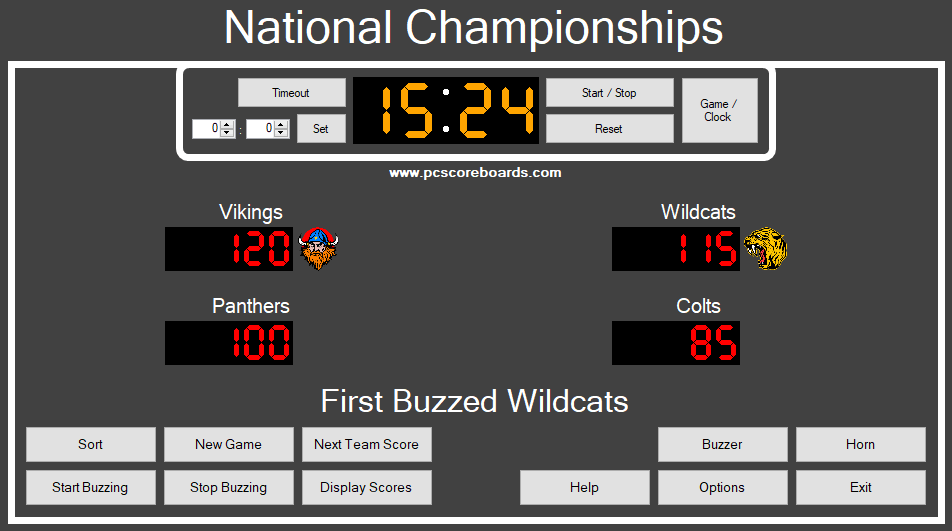
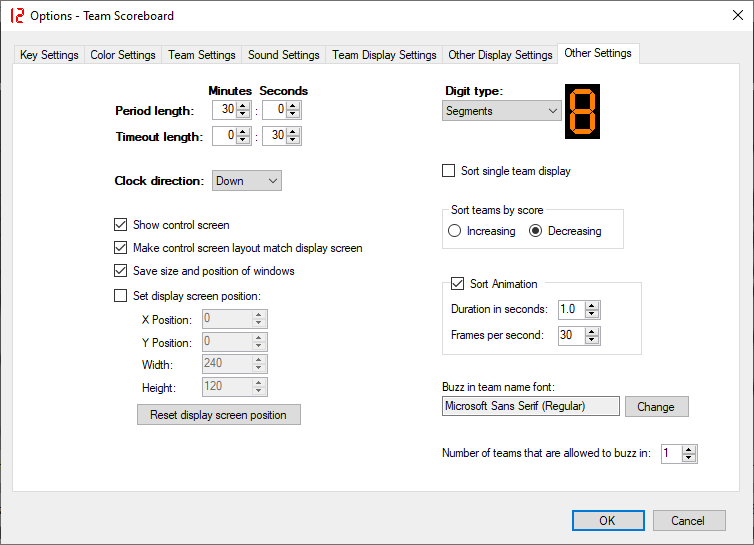
- Allow teams to buzz in
- Sort teams by their score
PC Scoreboards provides a better scoring solution than online scoreboards.
Download and try a free copy of Team Scoreboard today.
|
Features:
- Engaging - teams can track their standing throughout the game
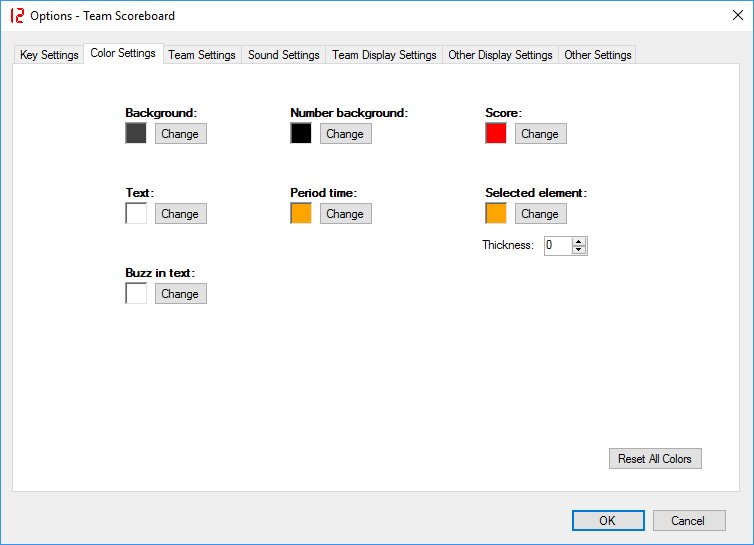
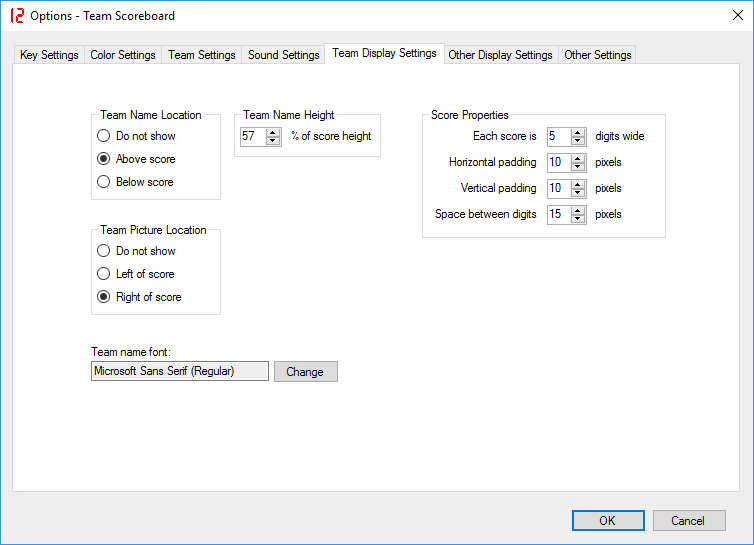
- Customizable - team names, logos, colors, and more
- Easy to use - be scoring in minutes
- Reuse your display/computer - show ads or video when the scoreboard is not in use
- Free to try - download your full copy now
|
|
Includes:
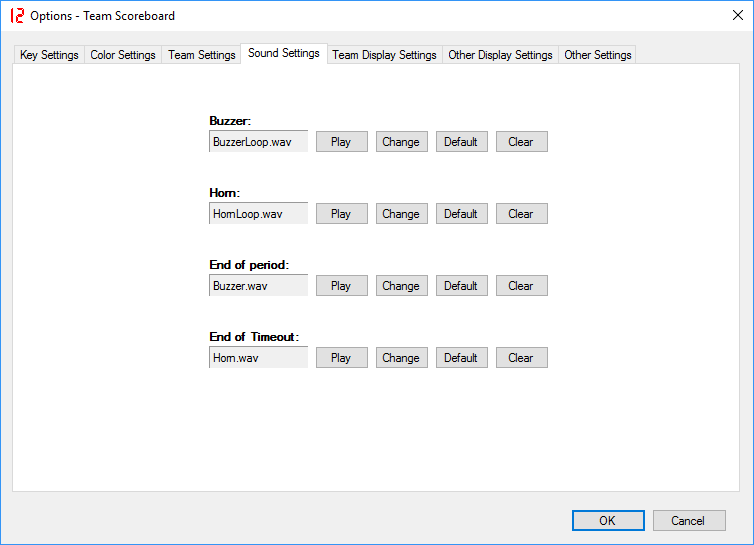
- Game clock
- Timeout clock
- Team scores
|
|
- Team names
- Team logos
- Event/venue title and picture
|
|
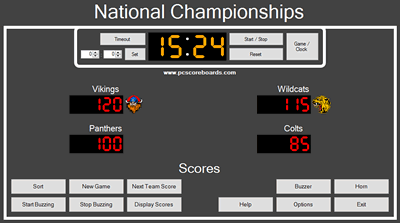
(Control Screen) |
|
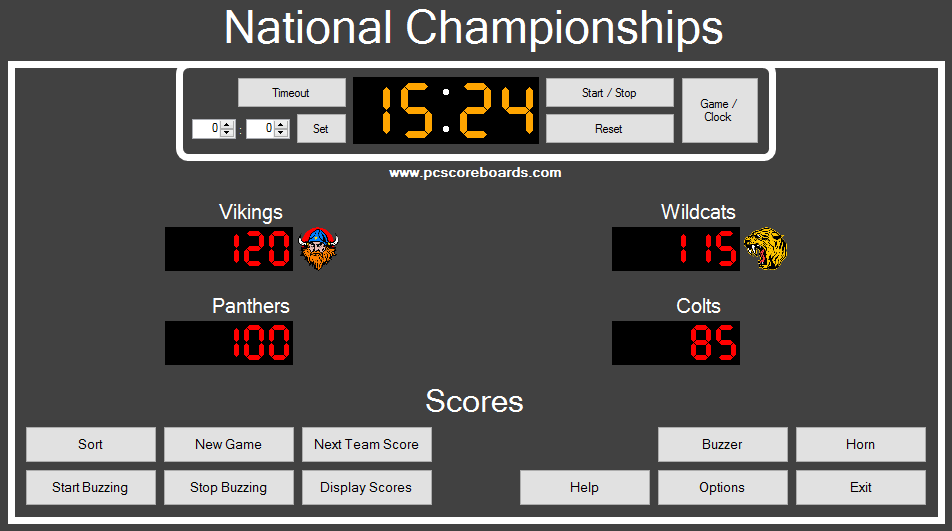
Control Screen
The Control Screen is an intuitive operator console for controlling the scoreboard. It includes 1-touch buttons and number entry fields for quick, easy, and error-free control of the scoreboard.
This screen is a separate window that is only visible to the scoreboard operator, so spectators do not see mouse or keyboard input.
|
|
|







 +1 314 266-7210 (10am - 11pm Central US)
|
support@pcscoreboards.com
|
+1 314 266-7210 (10am - 11pm Central US)
|
support@pcscoreboards.com
|

 |
More Contact Options
|
More Contact Options